

Is your Whirlpool dishwasher acting up and not performing like it used to? You’re not alone.
Many owners find themselves in a similar predicament, wondering how to restore their trusty appliance to its former glory. The good news is that you might not need to call in the professionals just yet. Sometimes, a simple reset can solve the problem, saving you both time and money.
Imagine getting back to a hassle-free dishwashing experience with just a few straightforward steps. You might feel a bit frustrated now, but by the end of this article, you’ll have the confidence to tackle this issue head-on. Discover how to reset your Whirlpool dishwasher and get it running smoothly again. Your path to a perfectly functioning dishwasher starts here. Read on, and reclaim your peace of mind in the kitchen.
Reasons To Reset Your Dishwasher
Experiencing glitches in your Whirlpool dishwasher? A reset can often solve issues like unresponsive buttons or cycle interruptions. Quickly restore your appliance’s functionality by resetting it, ensuring smoother operation and efficient cleaning.
Running into issues with your Whirlpool dishwasher can be frustrating. Sometimes, a simple reset can solve many of these problems. Resetting your dishwasher might feel like a magic fix, but it addresses specific issues that are more common than you might think. Let’s explore some of the key reasons why you might need to reset your Whirlpool dishwasher.Power Outages
Unexpected power outages can leave your dishwasher in a confused state. Imagine you’re midway through a cycle, and suddenly, the power goes out. When the power returns, your dishwasher might not know where to pick up from. Resetting helps it start fresh, eliminating any leftover confusion.Unresponsive Controls
Have you ever pressed the start button repeatedly, only to be met with silence? An unresponsive control panel can often be fixed with a reset. Whether it’s a software glitch or a temporary freeze, resetting can restore functionality and save you from a potential service call.Error Codes
Seeing an error code can be alarming, especially when you don’t know what it means. Before reaching for the manual, try a reset. Many error codes are temporary and can disappear after a reset, allowing your dishwasher to operate smoothly again.Incomplete Cycles
It’s frustrating when your dishwasher stops mid-cycle. Perhaps you’ve noticed your dishes aren’t as clean as they should be. A reset can help your appliance complete its cycle without interruption, ensuring your dishes come out spotless.Software Updates
Just like your phone or computer, dishwashers sometimes require software updates to function optimally. If your dishwasher has been recently updated but isn’t working correctly, a reset can help integrate the new software fully, ironing out any kinks.Maintenance Routine
Have you ever considered resetting your dishwasher as part of regular maintenance? Doing so can keep it running efficiently, just like restarting your computer helps it run better. This small step can extend the life of your appliance and prevent bigger issues down the road. Before calling in a professional, ask yourself if a simple reset might solve the problem. Could it save you time, money, and a headache? In many cases, the answer is yes. Resetting your Whirlpool dishwasher can be a quick and easy fix to keep your kitchen running smoothly.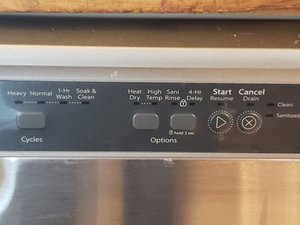
Credit: www.ifixit.com
Common Error Codes
Whirlpool dishwashers, like any appliance, may show error codes. These codes indicate specific issues that need attention. Understanding these codes helps in troubleshooting problems quickly. Let’s explore some common error codes and their meanings.
1.F1– Water Supply ErrorThe F1error means a problem with the water supply. Ensure the water inlet valve is open. Check for any kinks in the hose. A blocked hose might restrict water flow.
F2– Drainage ErrorWhen you see F2, it signals a drainage problem. The drain hose might be clogged. Ensure the hose is free from obstructions. Cleaning the filter may also resolve this issue.
F3– Heating Element ErrorThe F3error points to a heating issue. The dishwasher may not heat water properly. Check the heating element for damage. A professional might need to replace it.
F4– Overflow ErrorThe F4error means the dishwasher has overflowed. This might happen if the float switch is stuck. Ensure there’s no water leak. Inspect the float switch for proper operation.
F5– Door Latch ErrorAn F5error means the door latch isn’t secure. Ensure the door closes completely. Check the latch for any visible damage. A faulty latch might need replacement.
F6– Motor ErrorThe F6error suggests a motor issue. The motor might not start. Listen for unusual noises during operation. Seek professional help for motor repairs.
Safety Precautions Before Resetting
Resetting your Whirlpool dishwasher can solve many minor issues. Before you start, it’s crucial to ensure safety. Neglecting precautions can lead to accidents or damage. Here’s what you need to know about safety before resetting.
Turn Off The Power
Unplug the dishwasher to prevent electric shock. If hardwired, switch off the circuit breaker. This ensures no electricity flows to the appliance.
Dry Your Hands
Before touching any controls, dry your hands thoroughly. Wet hands increase the risk of electric shock. Always handle appliances with dry hands.
Wear Protective Gear
Use rubber gloves to protect your hands. They offer a layer between you and potential hazards. Safety goggles can prevent eye injuries from unexpected splashes.
Check For Water Leaks
Inspect the area around the dishwasher for leaks. Water leaks can cause slips or electrical hazards. Ensure the floor is dry before proceeding.
Read The User Manual
Refer to the user manual for specific instructions. It offers guidance tailored to your model. Following it helps prevent mistakes.
Clear The Area
Remove obstacles around the dishwasher. This prevents tripping while working. A clear workspace enhances safety.
Inform Household Members
Let others know you are working on the dishwasher. This prevents accidental interference. It ensures a smooth resetting process.
Step-by-step Reset Process
Encountering issues with your Whirlpool dishwasher can be frustrating. Sometimes, a reset is all it takes to solve the problem. Below, you will find a step-by-step guide to reset your dishwasher. Each method serves a different purpose. Choose the one that best fits your situation. Let’s dive into the details.
Power Cycle Method
This method is simple yet effective. Start by turning off your dishwasher. Unplug it from the wall outlet. Wait for about one minute. This pause allows the appliance to clear its memory. Plug the dishwasher back in. Then, turn it on. This method often resolves minor glitches.
Control Panel Reset
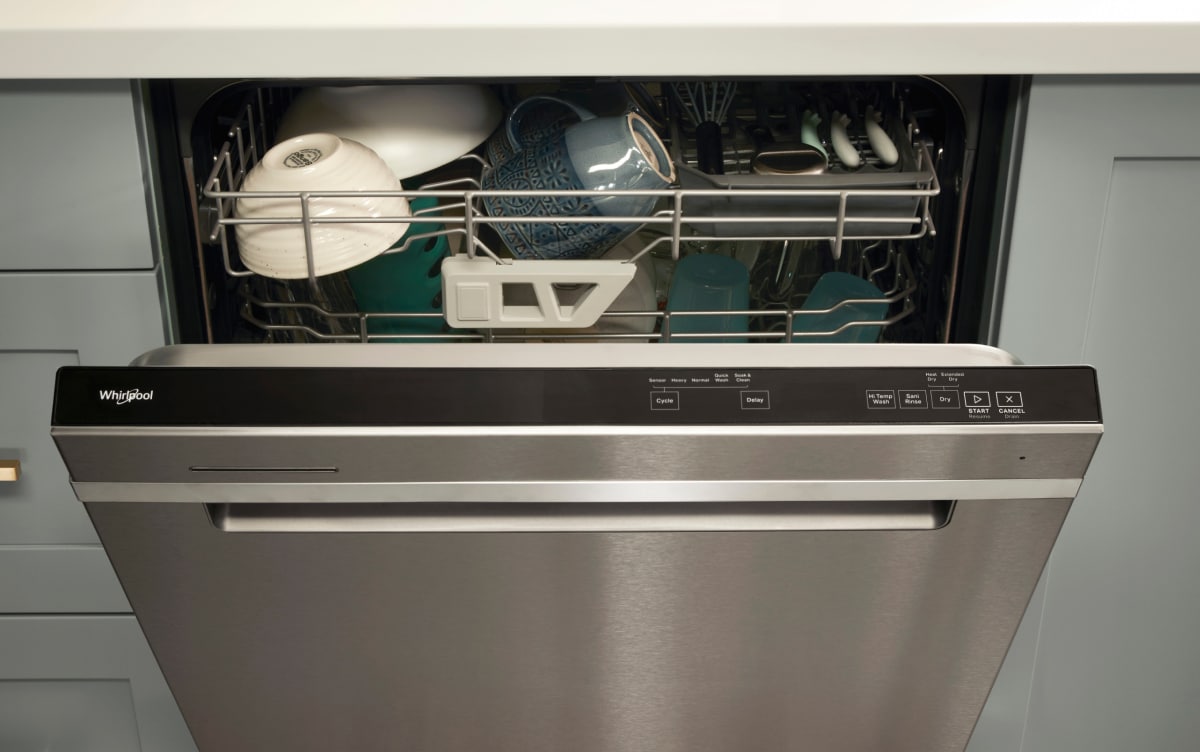
Begin by pressing the “Cancel” button on the control panel. Hold the button for three seconds. This step stops any ongoing cycles. Next, press the “Start” button. Hold it for three seconds. This action resets the control panel. Check if your dishwasher resumes normal operation. Repeat the process if needed.
Factory Reset Instructions
Factory reset should be your last resort. It restores the dishwasher to its original settings. Locate the “Start/Reset” button on the control panel. Press and hold it for 10 seconds. Release the button afterward. The dishwasher will beep to confirm the reset. Be aware that this method erases all custom settings.
Troubleshooting Tips
Resetting your Whirlpool dishwasher can resolve many common issues. Sometimes, a simple reset won’t fix the problem. Knowing some troubleshooting tips can help address persistent issues effectively. These tips can ensure your dishwasher runs smoothly again.
Addressing Persistent Issues
Check the door latch. If the door isn’t closed properly, the dishwasher won’t start. Ensure the latch clicks into place. Examine the control panel. A stuck button can disrupt operations. Press each button firmly to release any stuck keys. Inspect the water supply. Make sure the hose isn’t kinked or blocked. Clear any obstructions to restore water flow.
When To Seek Professional Help
Some issues require expert assistance. If the dishwasher leaks, call a technician. Leaks can damage floors and cabinets. If the machine makes unusual noises, it might need professional repair. Strange sounds often indicate mechanical problems. If the dishwasher doesn’t drain, there might be a pump issue. Professionals can diagnose and fix pump-related concerns.
Credit: www.whirlpool.com
Maintaining Your Dishwasher
Resetting your Whirlpool dishwasher is simple. Start by unplugging it or turning off the circuit breaker. Wait for a minute and then restore power, allowing the system to reboot. This often clears minor glitches, ensuring smooth operation.
Maintaining your dishwasher is crucial for its longevity and efficiency. Regular upkeep ensures it runs smoothly, saving energy and water. It also prevents unexpected breakdowns. A well-maintained dishwasher cleans dishes better and reduces the need for repairs. Here are some tips to keep your Whirlpool dishwasher in top shape.Regular Cleaning Routine
Clean the filter regularly to prevent clogs. A clogged filter can affect performance. Remove food particles and debris after each cycle. Wipe the door seals with a damp cloth to prevent mold. Check the spray arms for blockages. Ensure water flows freely through the spray holes. Use a damp sponge to clean the exterior. It keeps your dishwasher looking new.Preventive Measures
Inspect the hoses for leaks or cracks. Replace damaged hoses immediately. Check the water inlet valve for debris. A blocked valve can reduce water flow. Use a dishwasher cleaner monthly. It removes limescale and detergent buildup. Avoid overloading the dishwasher. Overloading can hinder proper cleaning. Use the right amount of detergent. Too much detergent can leave residues.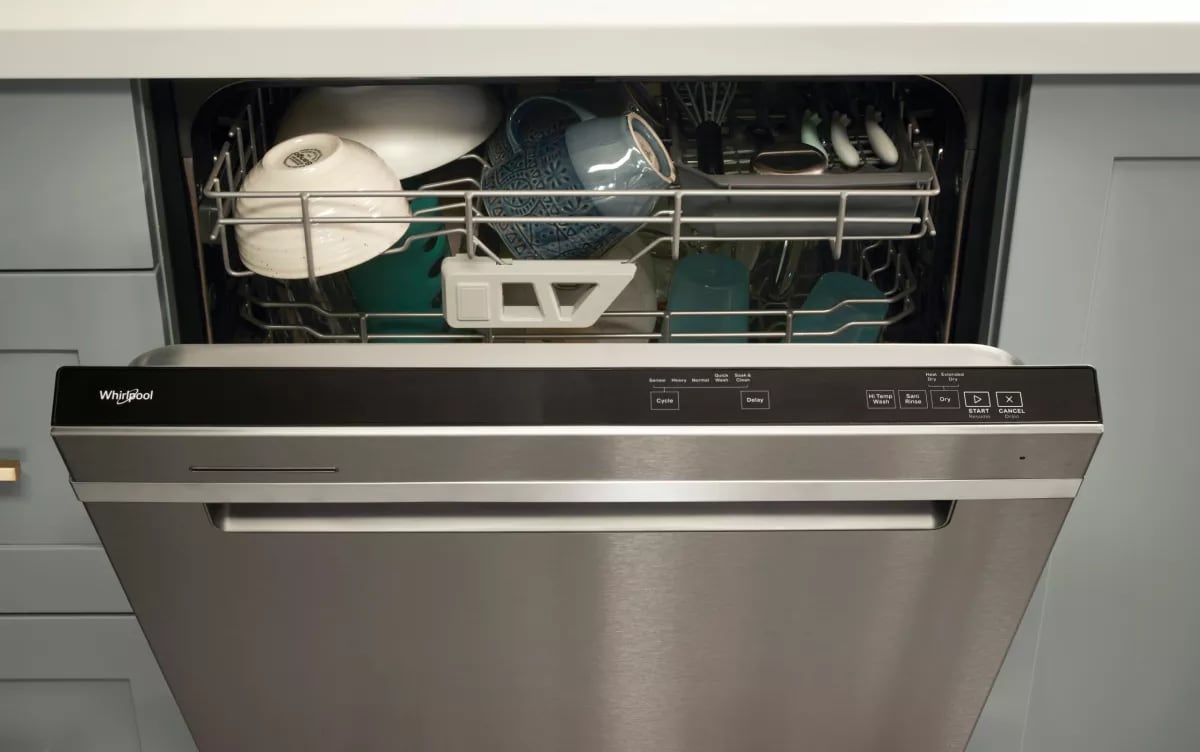
Credit: www.whirlpool.com
Frequently Asked Questions
How Do I Do A Hard Reset On My Whirlpool Dishwasher?
Turn off the dishwasher and unplug it from the power source. Wait 10 minutes. Plug it back in and restart.
How Do I Reset My Whirlpool Control Board?
To reset your Whirlpool control board, unplug the appliance for 5 minutes. Then, plug it back in. This helps reset the system. If issues persist, consult the user manual or contact Whirlpool customer support for further assistance.
How Do You Do A Hard Reset On A Dishwasher?
Unplug the dishwasher or switch off the circuit breaker. Wait for 5 minutes. Restore power. This performs a hard reset. Always refer to the user manual for model-specific instructions.
How Do I Do A Hard Reset On My Whirlpool Washer?
Unplug the washer for one minute. Plug it back in. Open and close the door six times within 12 seconds. Your Whirlpool washer is now reset.
Conclusion
Resetting your Whirlpool dishwasher is straightforward. Follow the steps carefully for success. Troubleshooting can solve many common issues. Always check the manual for specific instructions. If problems persist, contact customer support. Regular maintenance helps avoid frequent resets. Keep your dishwasher clean and inspect parts regularly.
This ensures smooth operation and longevity. Proper care saves you time and money. A well-functioning dishwasher makes kitchen tasks easier. Enjoy hassle-free dishwashing with a reliable appliance. Remember, prevention is better than cure. Happy dishwashing!

Hi, I’m Daniel Harper, a senior editor here at KitchenBucks.com. For over 10 years, I’ve been exploring kitchen gadgets and appliances to help people find tools that truly add value without breaking the bank. I love simplifying product choices so you can focus more on cooking and less on worrying about what to buy. When I’m not reviewing the latest gadgets, you’ll usually find me experimenting with coffee brewing or firing up the grill for a weekend barbecue.