
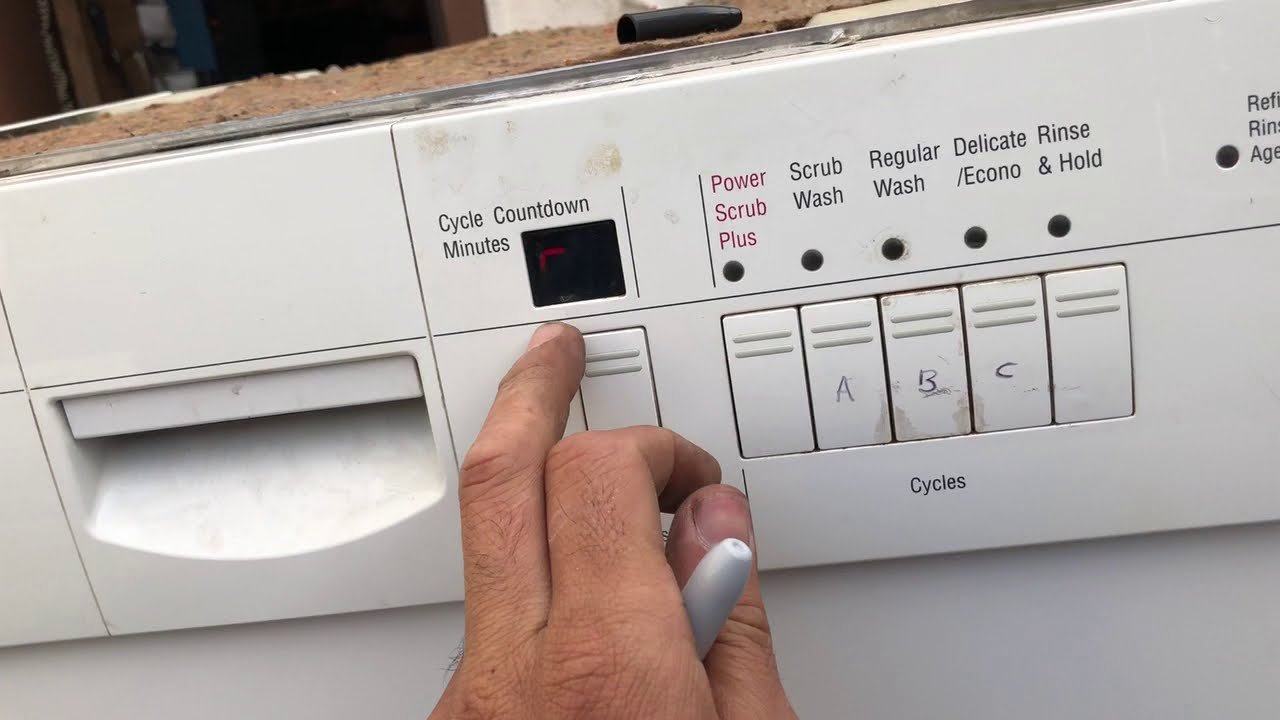
You pressed start, walked away, and then it hit you—the big pot is still on the stove. Or you selected Heavy Wash for a few glasses. Or the machine just started making a sound you don’t recognise. Whatever the reason, knowing how to cancel a Bosch dishwasher cycle quickly and safely can save water, time, and a flooded floor.
This guide covers every practical method—from the standard button hold to emergency resets—so you can stop any Bosch model at any stage. We’ll break down the steps for different cycle phases, what to do when the door won’t open, how to fix common cancellation errors, and how to prevent needing to cancel in the first place.
Why You Might Need to Cancel a Cycle
Cancelling isn’t only about a forgotten dish. Real-world scenarios include:
- Forgotten items – a pot, a serving spoon, or that one cup you swore you’d hand-wash.
- Wrong cycle selected – running a Heavy Wash for lightly soiled glasses wastes energy and water.
- Accidental start – you pressed the button before adding detergent or rinsing aid.
- System glitch – the dishwasher is stuck on a phase, flashing an error code, or not draining.
- Urgent access – a leak under the sink or a nearby plumbing repair requires the machine to be empty and off.
In each case, a clean cancellation lets you fix the issue without damaging the appliance or risking water damage.
Understanding Bosch Dishwasher Control Panel Types
Before you cancel, it helps to know which interface your model uses. Bosch dishwashers come in three main control layouts, and the exact button to press varies slightly.
| Control Type | Typical Models | Cancel Button Label | Notes |
|---|---|---|---|
| Physical buttons (membrane) | 100 Series, 300 Series, most pre-2020 models | Start/Reset or Start (hold to reset) | Hold for 3–5 seconds; tap does nothing. |
| Capacitive touch (flat surface) | 500 Series, 800 Series (2017–2023) | Start/Reset (touch and hold) | Same principle, but you may need to touch the button area firmly. |
| Touch + Home Connect (smart) | 800 Series, Benchmark (2017 onward) | Start/Reset or app Stop/Cancel | App cancellation works even if the panel is unresponsive. |
If you’re unsure which model you own, check the rating plate on the right side of the door. The series number (e.g., SHX878WD5N) tells you the family.
How to Cancel a Bosch Dishwasher Cycle: Step-by-Step
The Standard Cancel Method (Works on 90% of Models)
- Locate the Start/Reset button. On most models it’s the largest button on the control panel, often labelled Start or Start/Reset.
- Press and hold for 3 to 5 seconds. Do not tap—hold until you hear a beep, see the indicator lights change, or the display shows a dash or “END”.
- Wait for the short drain cycle. The dishwasher will automatically pump out standing water. This takes 1–2 minutes.
- Open the door once draining stops. The pump noise will cease. Then you can safely remove or rearrange dishes.
Tip: If your model has a separate Cancel button, one press may suffice. Check your owner’s manual for the exact label.
Alternative Method for Older or Touch-Control Models
Some Bosch dishwashers (especially pre-2020 units with capacitive touch panels) require a two-step process:
- Slightly open the door to pause the cycle. The dishwasher stops immediately. Be careful of hot steam.
- Press and hold Start/Reset for 3–5 seconds while the door is ajar.
- Wait for the drain cycle, then open fully.
This method is less convenient but works when the physical button is unresponsive due to a software lock.
Cancelling Using the Home Connect App (Wi‑Fi Models)
If your Bosch dishwasher supports Home Connect (available on 800 Series and Benchmark models from 2017 onward), you can cancel remotely:
- Open the Home Connect app on your phone.
- Tap the dishwasher tile, then tap Stop or Cancel (wording varies by app version).
- Confirm the action. The dishwasher will drain and unlock.
This is especially useful if you’re in another room or the control panel is unresponsive. The app also sends a notification when the cancellation is complete.
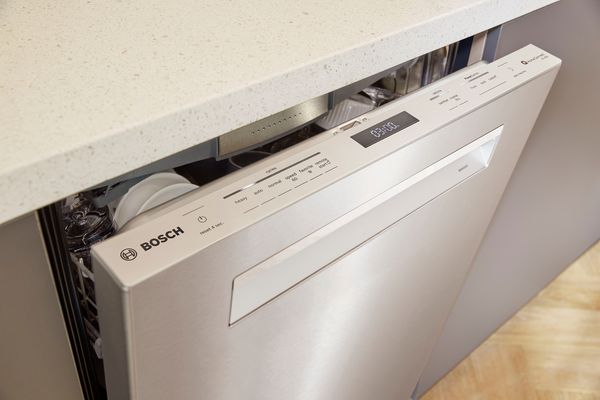
The Start/Reset button is typically the largest control on the panel; hold it for a few seconds to initiate cancellation.
Cancelling During Specific Cycle Phases
During the Main Wash or Rinse Phase
The machine is actively pumping water and spraying dishes. Holding Start/Reset stops the spray arms immediately and begins draining. The drain sequence may be slightly longer because there is more water in the sump. Open only after the pump noise stops.
During the Drying Phase
The heating element and fan are running. Cancelling turns off the heater immediately, but the internal temperature stays high for a few minutes. Wait 30 seconds after the drain finishes before opening the door to avoid a steam burn.
During a Delayed Start
If you set a delay (e.g., 4 hours) and the cycle hasn’t begun, you can cancel by pressing Start/Reset once or opening the door—it varies by model. The safest method is to hold Start/Reset for 3 seconds even during a delay; this clears the timer.
What to Do If the Door Won’t Open After Cancelling
Sometimes the door stays locked even after the drain cycle ends. This is a safety feature: the lock will not release if water remains in the tub or if the internal temperature is too high.
Try a Full Power Reset
- Turn off the circuit breaker that powers the dishwasher (or unplug it if accessible).
- Wait 5 minutes (this clears residual charge in the control board).
- Turn the power back on.
- Press and hold Start/Reset again for 3–5 seconds, then listen for the drain pump.
- Once draining finishes, try opening the door.
If the door still won’t budge, check for error codes on the display. A common cause is a stuck float switch from a minor leak.
When to Call Bosch Support
Persistent door lock issues after a power reset usually indicate a mechanical latch problem or a water sensor fault. Contact Bosch customer support (or visit the official Bosch home support page) before forcing the door—you risk damaging the latch assembly.
Troubleshooting Common Cancellation Problems
1. The Dishwasher Won’t Respond to the Cancel Button
- Door latch not fully closed. The dishwasher will ignore button presses if the door is ajar. Close it firmly, then try again.
- Control Lock is active. Look for a padlock icon on the display. Deactivate it by pressing and holding the Eco or Delay button (depending on model) for 3 seconds. Then cancel.
- Button contact issue. On some models, the membrane button may become unresponsive over time. Tap the area around the button, or use the Home Connect app as a workaround.
- Power spike. Unplug or switch off the breaker for 10 minutes, then retry.
2. Error Code Appears After Attempting to Cancel
Error codes are your dishwasher’s way of telling you why it refused a clean stop. Two common ones:
- E24 – Drainage problem. The water couldn’t be pumped out. Check the drain hose for kinks, the kitchen pipes under the sink for blockages, and the dishwasher filter for debris. A clogged filter is the #1 cause. If you recently replaced any plumbing under the sink, ensure the drain connection isn’t pushed too far into the pipe.
- E15 – Water in the base pan. The safety float switch has tripped, meaning water leaked into the bottom tray. This typically requires service, as attempting a reset may release pooled water. Call a technician.
For a full list of Bosch error codes, keep your user manual handy or visit the brand’s support site.
3. Water Remains After Cancelling
If the drain pump runs but no water moves, the pump may be blocked or the drain line frozen. Check the filter first—a simple cleaning often solves it. If you need a refresher, the same principles apply as cleaning a filter on a Kenmore dishwasher: remove the cylindrical microfilter and rinse under warm water. For a thorough interior clean, you can follow the same steps used to clean the inside of a stainless steel dishwasher.
4. Musty Odours After Cancelling
If a cancelled cycle leaves standing water in the tub, musty smells can develop within hours. Address this by running a rinse cycle immediately after resolving the issue. If odours linger, check the drain trap and the area under the sink—a musty smell under the kitchen sink often points to a slow leak or debris buildup.
How to Avoid Needing to Cancel in the Future
The best cancellation is the one you don’t need. A dirty machine or poor loading habits are the two biggest triggers.
Keep the Interior Clean
- Clean the filter every 2–4 weeks (monthly at minimum). A clogged filter can cause premature cycle termination or error E24.
- Run a cleaning cycle with a dishwasher cleaner or a cup of white vinegar once a month, followed by a rinse with baking soda. For a step‑by‑step method, see how to clean a Frigidaire Gallery dishwasher—the basic approach is the same for most brands.
- Wipe the door gasket to prevent debris from interfering with the latch sensor.
Load Dishes Properly
- Don’t overcrowd. Water and detergent need room to circulate. Overloading leads to poor results, which may prompt you to cancel and rewash.
- Angle large items downward so water doesn’t pool in hollows.
- Keep tall items away from the spray arm path to avoid blocking rotation.
Check Water Valves and Supply Lines
A sporadic cycle can stem from low water pressure or a failing inlet valve. Inspect the water valves under the kitchen sink periodically—make sure they open fully and there are no leaks. If the dishwasher won’t fill or stops mid-cycle, a restricted valve is a common culprit. Knowing how to turn off water under the kitchen sink is also essential for emergencies.
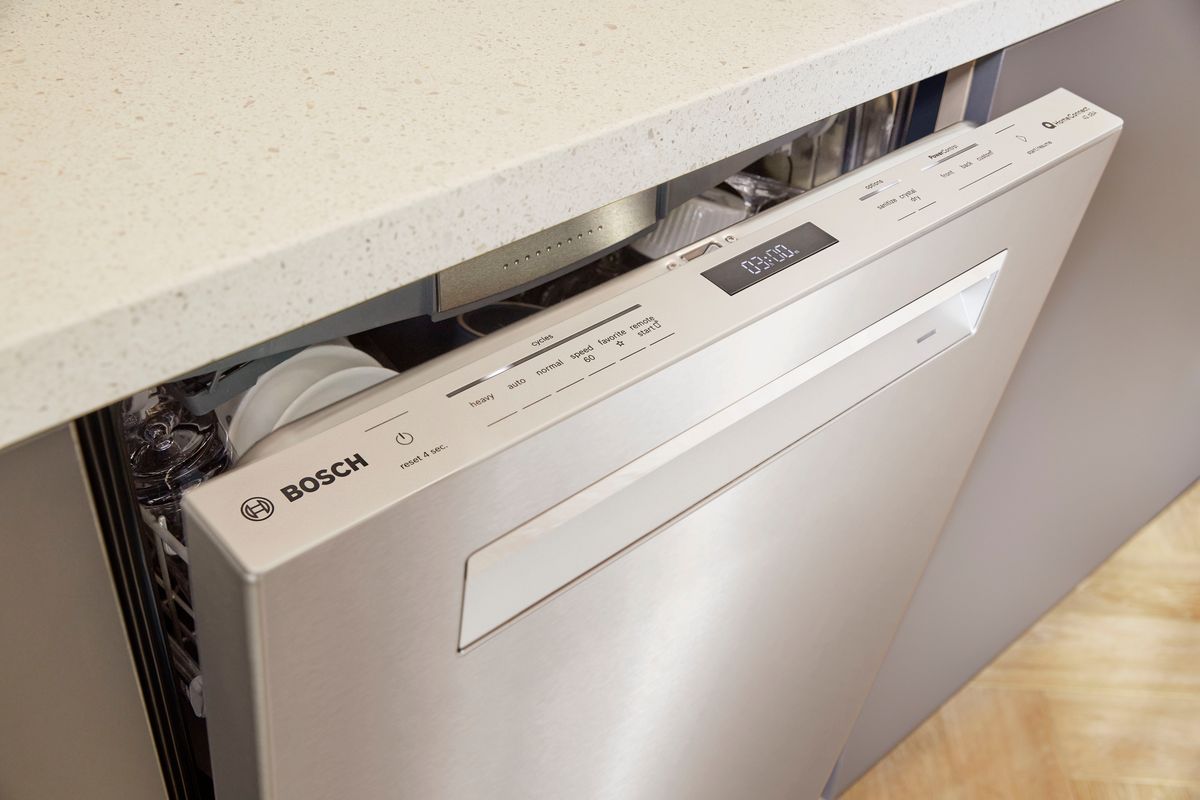
An unobstructed spray arm and clean filter are essential for uninterrupted cycles.
When to Cancel vs. Pause vs. Reset
Many users confuse these three actions. Here’s a quick distinction:
- Pause – Open the door or press Start once. The cycle stops but will resume when you close the door. Use this to add a forgotten dish.
- Cancel – Hold Start/Reset for 3–5 seconds. The machine drains and stops completely. Use this to start over or abort a wrong cycle.
- Reset – Turn off power at the breaker for 5 minutes. Use this when the control panel is unresponsive or after an error code won’t clear.
A proper reset is also useful if you’ve recently worked on the plumbing under the sink and need to purge air from the lines before restarting the dishwasher.
Frequently Asked Questions
Can I cancel a Bosch dishwasher cycle without using the Start/Reset button?
On most models, the Start/Reset button is the only direct method. If the button is broken, try a power reset (breaker off for 5 minutes). Some smart models let you cancel via the Home Connect app. Opening the door pauses but does not officially cancel—it will resume when you close the door again.
What happens if I open the door mid-cycle?
The dishwasher pauses immediately. After you close the door, the cycle resumes from where it stopped. This is useful for adding a forgotten dish, but it is not a cancellation. To truly stop and drain, you must use the button or app.
How do I cancel a cycle when the control lock is on?
Deactivate the control lock first. Hold the Eco button (or the designated unlock button) for 3–5 seconds until the padlock icon disappears. Then proceed with the normal cancel procedure.
My Bosch dishwasher shows “E24” after cancellation—what now?
E24 means the drain is blocked or restricted. Check the drain hose for kinks, the disposal plug (if connected to a garbage disposal), and the filter. If the filter is clean, inspect the plumbing under the sink diagram with dishwasher to ensure the drain line isn’t clogged at the air gap or the sink tailpiece. A quick fix: pour hot water down the drain to dislodge grease.
Is it safe to cancel a Bosch dishwasher during the dry cycle?
Yes. The heating element turns off immediately, and the fan stops. The drain cycle then runs. Let the door remain shut for 30 seconds after the drain finishes to allow steam to settle before opening.
Conclusion
Cancelling a Bosch dishwasher cycle is a simple, safe process when you follow the correct steps: hold the Start/Reset button for 3–5 seconds, let the machine drain, and then open the door. Whether you’re dealing with a forgotten dish, a wrong selection, or a glitch, this method works on nearly every model.
If you run into trouble, remember to check the control lock, perform a power reset, or investigate error codes. Regular maintenance—cleaning the filter, checking water valves, and keeping your kitchen pipes under the sink in good shape—goes a long way toward preventing interruptions in the first place.
Take control of your appliance today. Use the steps above to cancel confidently, and save yourself the time and water of running an unwanted cycle.
