
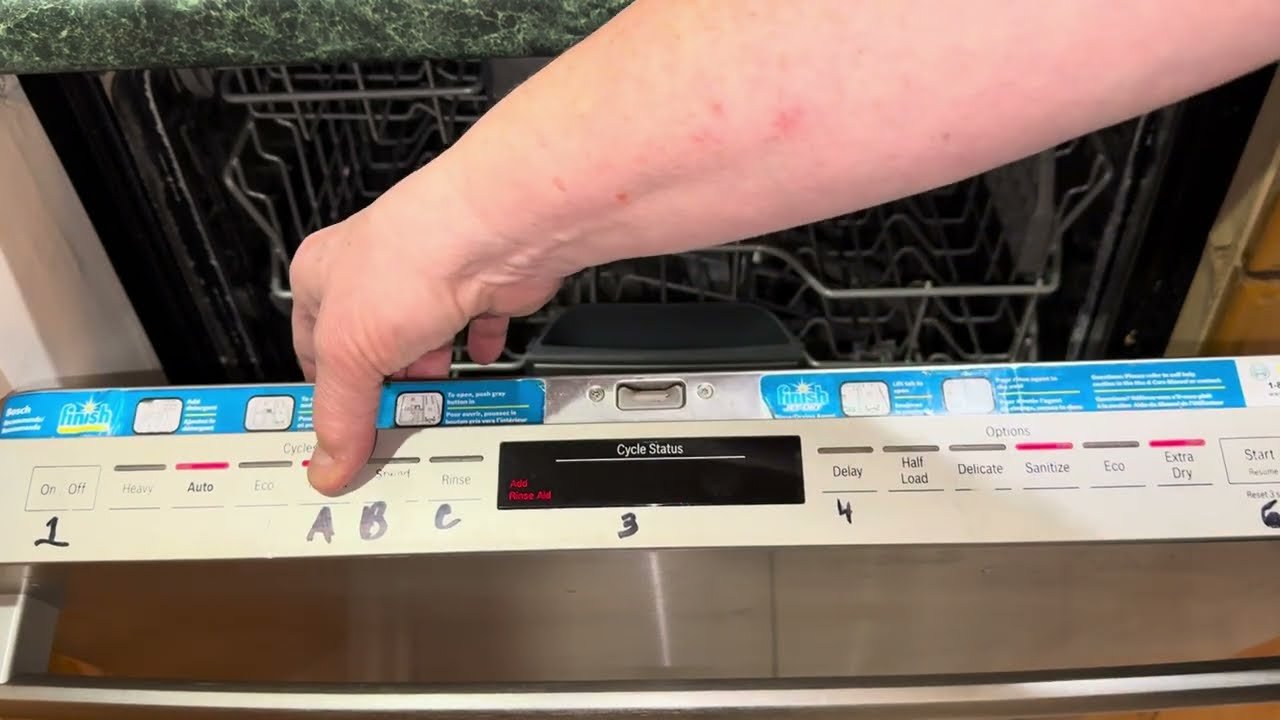
Your Bosch dishwasher is a precision machine, but getting the best results comes down to one simple skill: knowing exactly how to select and change the cycle. Whether your dishes are lightly soiled after a quick breakfast or caked with baked-on lasagna from last night's dinner, the right cycle makes all the difference. This guide walks you through every step, every cycle option, and the common mistakes to avoid so you can press that Start button with total confidence.
Understanding Your Bosch Dishwasher's Cycle Options
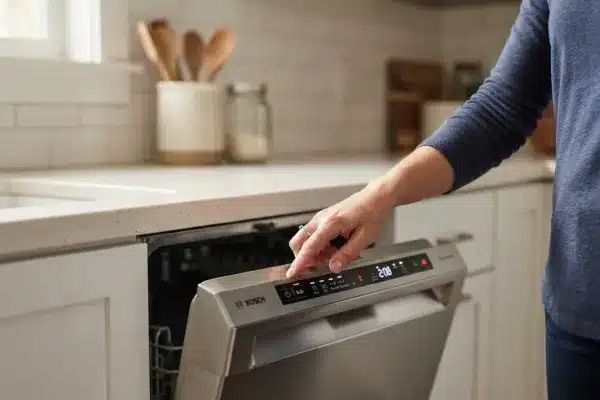 The control panel layout varies by model, but cycle symbols are standardised across most Bosch dishwashers.
Bosch equips its dishwashers with a range of cycles designed around specific soil levels, time constraints, and energy priorities. Knowing what each one does lets you match the cycle to the load rather than settling for a one-size-fits-all default.
Normal / Auto / Everyday Cycle
This is your daily driver. It senses soil levels automatically in many models and adjusts water temperature, pressure, and duration accordingly. In practice, it handles a typical dinner load—plates with sauce residue, glasses with water spots, cutlery with light food remnants—without wasting resources. Expect a runtime of roughly 90 to 120 minutes depending on the detected soil level.
Intensive / Heavy / Pots & Pans Cycle
The Intensive cycle cranks water temperature up to around 70°C and extends the wash duration to break down stubborn, dried-on food. It uses multiple spray phases and a longer main wash to dislodge grease and baked-on residue from casserole dishes, roasting pans, and heavily soiled bakeware. This cycle consumes more energy and water, so reserve it only for loads where the Normal cycle would leave dishes still dirty. Typical runtime: 130 to 160 minutes.
Eco / Economy Cycle
The Eco cycle runs at a lower temperature (around 50°C) but for a longer duration to achieve thorough cleaning with minimal energy consumption. It's the most environmentally friendly option and the most cost-effective for your utility bill. However, because it relies on extended soak and enzyme action rather than high heat, it works best on dishes that are rinsed promptly after use and don't have baked-on food. Run time often exceeds three hours.
Quick Wash / Speed 60° Cycle
When you need dishes in under an hour, the Quick Wash cycle is invaluable. It completes a full wash and dry cycle in 60 minutes or less. The trade-off is that it's designed only for lightly soiled dishes—think breakfast bowls and coffee cups, not greasy pans. Cramming heavily soiled items into this cycle will leave you rewashing. Use it as a convenience tool, not a shortcut for heavy cleaning.
Glass / Delicate Cycle
Fine crystal, stemware, and delicate porcelain need gentle treatment. The Glass cycle reduces water pressure and temperature (typically around 45–50°C) and avoids aggressive spray patterns that can cause chipping or etching. It also tends to use a gentler drying phase to prevent thermal shock. If you regularly wash wine glasses or china, this cycle is your best friend.
Other Specialized Cycles You Might Find
Depending on your specific Bosch model, you may also see:
- Hygiene / Sanitize: Reaches a higher final rinse temperature (65°C or above) to kill bacteria. Ideal for cutting boards, baby bottles, or after handling raw meat.
- Pre-Rinse: A short, cool-water spray that keeps dishes moist until you run a full load. Uses minimal water.
- Half Load: Optimises water and energy consumption for smaller loads by adjusting cycle parameters. Available on select models.
- Machine Care: A self-cleaning cycle that removes grease and detergent residue from the interior. Run this monthly with a dishwasher cleaner tablet to maintain performance.
Identifying Your Bosch Dishwasher Model
Before you can confidently change cycles, you need to know which controls and options belong to your specific model. Bosch produces dozens of variants, and the button layout changes between series.
Locating the Model and Serial Number
The model and serial number sticker is usually inside the door, on the left or right edge when you pull it fully open. You can also find it on the top edge of the door frame. Look for a silver sticker with a barcode and a 14-digit number starting with "B" or "800". In some models, the same information is etched onto the interior stainless steel wall near the top.
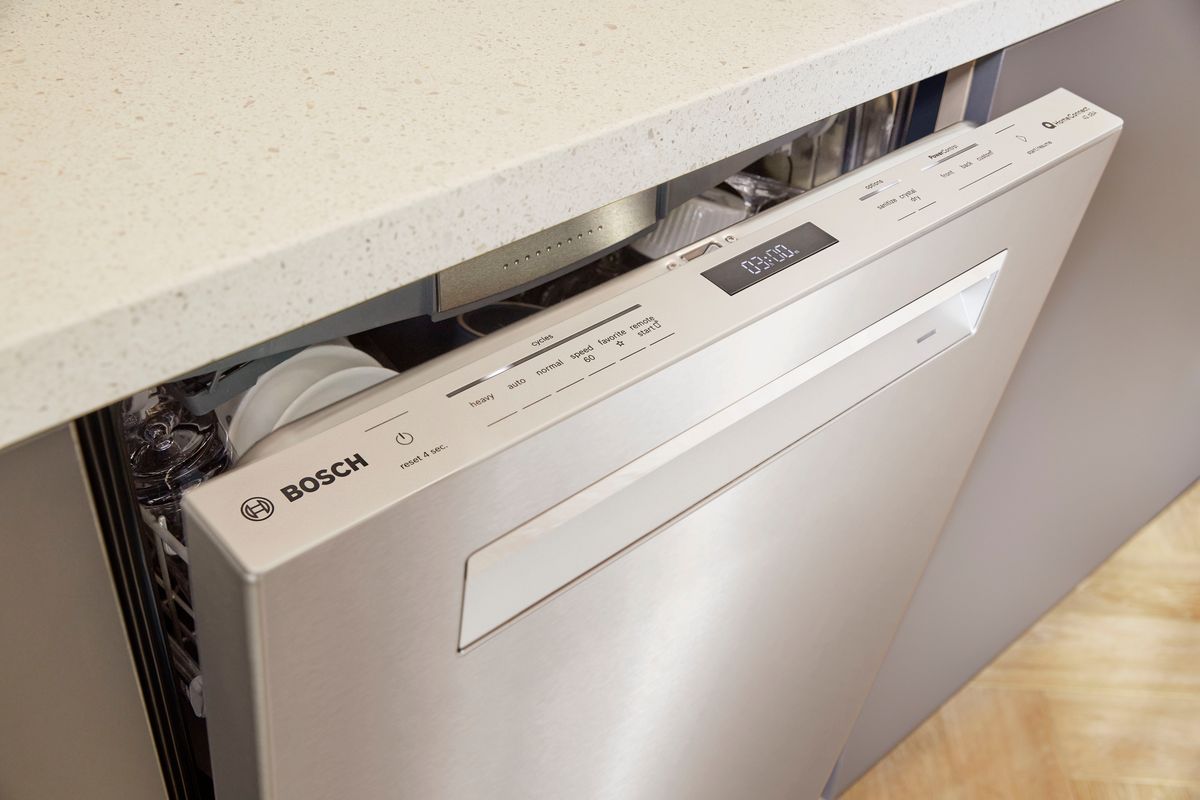 The model and serial number sticker is always visible with the door fully open—no need to pull the dishwasher out.
Accessing Your User Manual
With your model number in hand, visit the official Bosch Appliances support page. Enter the full model number into their search bar to pull up the complete user manual in PDF format. The manual is your definitive reference for cycle names, option availability, and any special features unique to your model—such as concealed heating elements or adjustable rack heights. Bookmark it; you'll refer back to it for troubleshooting.
Navigating the Control Panel
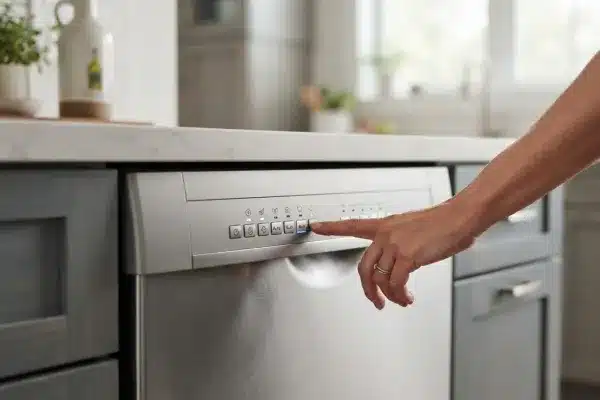 Most 800-series Bosch models use a touch panel, while 300 and 500 series rely on physical buttons.
Bosch control panels come in two main configurations: physical push-buttons (common on 300 and 500 series models) and touch-sensitive surfaces (found on 800 series and higher). Both work the same way once you understand the layout.
Understanding the Layout
Every panel includes these core controls:
- Power / On-Off: Wakes up the panel or puts it into standby.
- Program / Cycle Select: A set of buttons or a scroll dial that cycles through available wash programmes.
- Option Buttons: These add enhancements like Extra Dry, Delay Start, or Half Load.
- Start / Resume: Begins the cycle or continues after a pause.
- Display: Shows the selected cycle name, remaining time, or error codes.
Models with a digital display show cycles as text (e.g., "ECO", "INTENSIVE") or as symbols. Models without a display rely on indicator lights next to the cycle names printed on the panel.
Activating the Control Panel
Simply press the Power button. The panel lights up and the display becomes active. If your model has a sleep mode (common on touch-panel models), the same button wakes it. If nothing lights up, check that the door is fully closed—many Bosch models prevent the panel from activating with the door open.
Changing the Cycle
- Cancel any running cycle if the dishwasher is already mid-wash. On most models, press and hold the Start button for 3–5 seconds. The display will show "0:01" or "0:00" as the machine drains and resets.
- Press the Program button repeatedly (or tap cycle icons on touch models) to scroll through the list. Each press advances to the next available cycle.
- Watch the display or indicator to see which cycle is selected. Stop when you see the cycle you want.
- Select any options (see next section) before starting.
- Close the door firmly and press Start.
A common mistake is pressing Start before fully closing the door. The dishwasher will beep but won't begin—always close the door until you hear a solid click.
Adjusting Cycle Options for Optimized Cleaning
 The Extra Dry option is especially useful when washing plastic containers, which don't hold heat as well as glass or ceramic.
Beyond the base cycle, Bosch holds back optional settings that can dramatically improve results.
Temperature Adjustment
Most Bosch cycles come with a pre-set temperature optimised for that programme. However, some models allow you to raise or lower the temperature manually within a given cycle. Higher temperatures (up to 70°C) improve grease breakdown but increase energy use. Lower temperatures protect delicate items. Check your manual for which cycles support manual temperature adjustment—it's not available on all programmes.
Drying Preferences
The standard drying phase uses residual heat to evaporate moisture. If you routinely pull out damp dishes, activate the Extra Dry option. It extends the final drying phase and uses a higher temperature boost at the end. This is particularly helpful for plastic containers—plastic doesn't retain heat well, so it stays wetter than glass or ceramic. Expect the cycle to run 15–30 minutes longer with Extra Dry enabled.
Delay Start Feature
Delay Start lets you schedule the dishwasher to begin hours later. This is practical if you want to run the machine during off-peak electricity hours (typically overnight) or have it finish just before you wake up.
To set it:
- Select your cycle and any options.
- Press the Delay Start button (often labelled with a clock icon).
- Use + and – buttons to set the delay in hours (usually 1–24 hours).
- Press Start to lock in the delay and the cycle. The display will count down the hours before the cycle begins.
The dishwasher will run a brief pre-rinse if you've loaded dishes and set a long delay, preventing food from drying onto the surfaces.
Half Load Option
The Half Load option adjusts water usage and spray intensity for smaller loads. It does not simply run a shorter cycle—it optimises water volume and pressure so that fewer dishes still get properly cleaned. This is more efficient than running a full cycle with a half-empty rack.
Starting and Monitoring Your Chosen Cycle
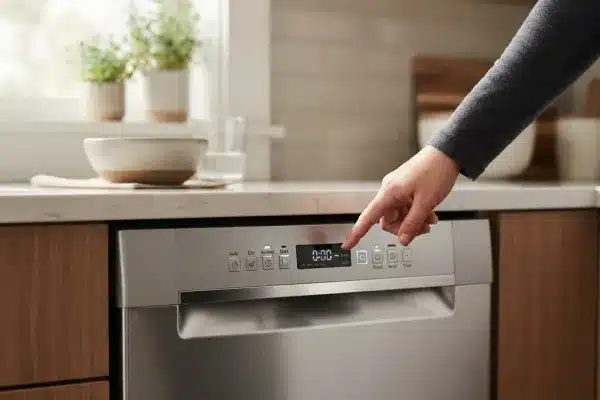 The remaining time display updates as the cycle progresses through wash, rinse, and dry phases.
Once you've dialled in your settings, starting the cycle is straightforward.
Finalizing Settings and Starting the Cycle
- Confirm that the door is fully closed. Listen for the latch click.
- Press the Start button once. On some models you need to hold it for 1–2 seconds.
- The dishwasher will chime or beep to confirm, and the display will show the estimated remaining time.
If the display flickers and nothing happens, the door latch may not be engaging. Open and close the door firmly again, then press Start.
Understanding the Display and Indicators
The display shows the current time remaining, which counts down in minutes. Most models also show a progress indicator—a series of symbols or bars that illuminate as the cycle moves through pre-wash, main wash, rinse, and dry phases. If you ever see an error code (like "E15" or "E09"), note the code and consult your manual or the official Bosch troubleshooting guide.
Pausing and Resuming a Cycle
If you forget a dish, you can pause most Bosch dishwashers mid-cycle. Gently pull the door open—the machine stops automatically. Add or remove items, close the door firmly, and press the Start/Resume button. The cycle picks up where it left off. Do not leave the door open for more than a minute, as heat and steam escape and the machine may lose its drying momentum.
Note: If the cycle has already entered the drying phase, opening the door will release hot steam and may leave dishes wetter. Check the phase indicator before pausing.
Troubleshooting Common Cycle Issues
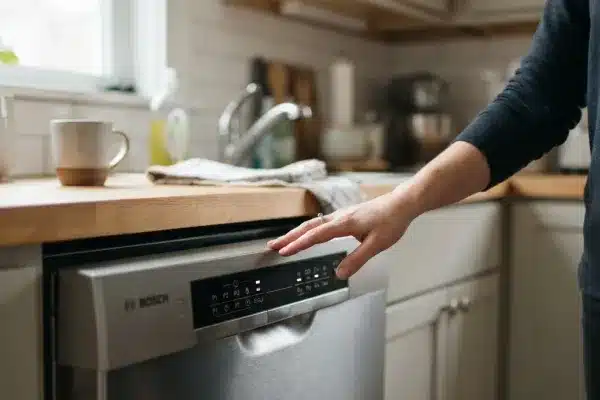 Many cycle problems trace back to a clogged filter or a blocked spray arm—check these first before adjusting settings.
Even when you select the perfect cycle, things can go wrong. Here's how to diagnose and fix the most common complaints.
Cycle Won't Start
Check the door latch. This is the number one cause. If the door isn't fully clicked shut, the dishwasher refuses to start. Close it firmly until you hear a solid click.
Verify the water supply. The shut-off valve under the sink must be fully open. If the valve is partially closed, the dishwasher won't fill and the cycle won't begin.
Check the circuit breaker. A tripped breaker or a blown fuse cuts power. Reset the breaker and try again.
Disable the child lock. Some models have a button combination that locks the panel. Refer to your manual for the specific unlock sequence—it's usually pressing and holding two buttons simultaneously for 3 seconds.
Cycle Stops Mid-Wash
Inspect the drain hose. A kinked or blocked hose prevents drainage, causing the dishwasher to halt. Straighten the hose and check for clogs near the sink connection.
Clean the filter. A clogged coarse filter restricts water flow and triggers safety cut-offs. Remove the lower rack, unscrew the filter assembly, rinse it under running water, and reinstall. This simple step resolves many mid-cycle stops.
Check for a water supply interruption. If the water tap is turned off or the supply line is blocked, the dishwasher can't continue. Ensure the valve is open.
Dishes Not Clean After a Cycle
Use the right cycle for the soil level. Running an Eco cycle on heavily soiled pots will leave food residue. Match the cycle to the load.
Load dishes correctly. Face soiled surfaces toward the spray arms. Avoid nesting bowls or stacking plates too tightly. Spray arms need unobstructed rotation—large pans placed on the bottom rack can block the arm's movement.
Check for clogged spray arm holes. Food particles can lodge in the spray arm nozzles. Remove the arms, rinse them under running water, and use a toothpick to clear any plugged holes.
Use quality detergent. Low-quality or expired detergent won't perform. Use a fresh, reputable detergent and fill the rinse aid dispenser regularly. For guidance on selecting dishwasher-safe dinnerware that holds up to repeated washes, check our trusted recommendations.
Clean the filter and run a machine care cycle monthly. A dirty dishwasher cannot clean dishes effectively.
Maintaining Optimal Dishwasher Performance
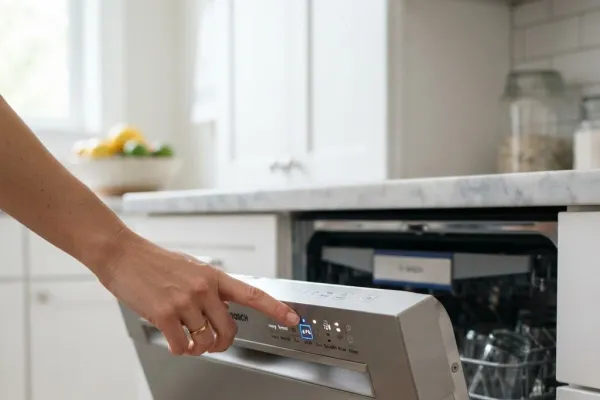 Monthly filter cleaning adds years to your dishwasher's life and keeps spray pressure high.
A well-maintained Bosch dishwasher delivers consistent results year after year. Neglect the filter and spray arms, and even the perfect cycle selection won't save you.
Regular Cleaning of Filters and Spray Arms
The filter assembly sits at the bottom of the tub under the lower spray arm. Remove it monthly: twist the coarse filter counterclockwise to unlock it, lift out the fine filter, and rinse both under hot running water. A stiff brush helps remove embedded debris. The spray arms come off by unscrewing a retaining nut or pressing a release tab. Flush water through the arms until all nozzles run freely.
Pro tip: If you live in a hard-water area, soak the filters and spray arms in a solution of white vinegar and warm water for 30 minutes every three months to dissolve mineral deposits.
Running Cleaning Cycles
Use the Machine Care cycle (or run an empty hot cycle with a dishwasher cleaner tablet) once a month. This removes grease, detergent residue, and odour-causing buildup inside the tub, sump, and hoses. An alternative: place a cup of white vinegar upright on the top rack and run a Normal cycle. Follow with a second empty cycle to rinse thoroughly.
Proper Loading Techniques
Proper loading is half the battle. Place plates facing the centre, tilt cups and bowls face down, and secure long utensils with the handle down. Never block the detergent dispenser door with a tall item. Keep large trays and cutting boards on the sides or edges so they don't block water flow. For tips on organising kitchen tools efficiently, take a look at our practical loading guide.
Frequently Asked Questions About Bosch Dishwasher Cycles
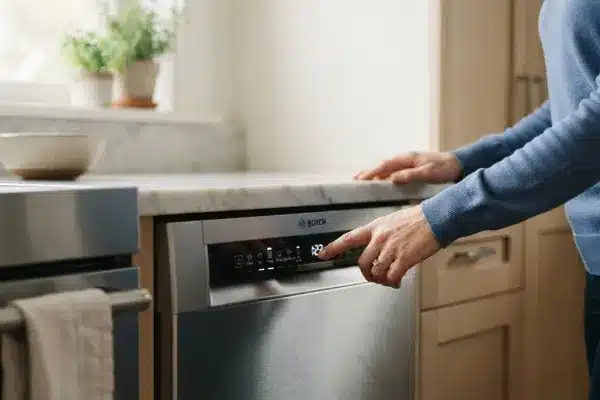
How do I change the program on my Bosch dishwasher?
Press the Power button to activate the panel, then press the Program button repeatedly until your desired cycle is highlighted on the display. Select any options, close the door, and press Start.
How do I reset my Bosch dishwasher cycle?
Press and hold the Start button for approximately 3–5 seconds. The display will show "0:01" or "0:00" as the dishwasher drains and resets. The machine is now ready for a new cycle selection.
How do I cancel the auto cycle on my Bosch dishwasher?
Press and hold Start for 3 seconds. The machine cancels the current cycle, drains any standing water, and returns to a blank standby state. You can then select a different cycle.
Can I change the cycle mid-wash?
Yes, but only by cancelling the current cycle first. Press and hold Start to cancel and drain. Once reset, select a new cycle and press Start. You cannot simply switch from one cycle to another while the dishwasher is running—you must reset it first.
Why is my Bosch dishwasher showing a cycle time that keeps changing?
This is normal. Bosch dishwashers sense soil levels during the pre-wash and early main wash phases. If the machine detects heavier-than-expected soil, it extends the cycle to ensure thorough cleaning. The displayed time is an estimate and updates as the cycle progresses.
How do I access hidden or service cycles?
Service cycles like the drain pump test or diagnostic mode are intended for technicians. Do not attempt to access these unless instructed by Bosch support. Wrong settings can cause leaks or mechanical issues. Stick to the user-accessible cycles listed in your manual.
Conclusion
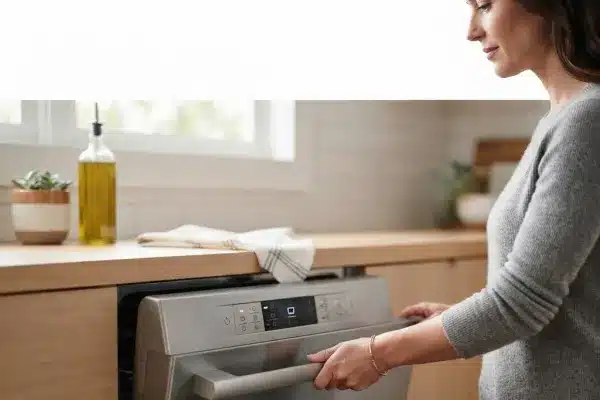
Changing the cycle on your Bosch dishwasher is a simple but powerful skill. When you match the right programme to the right load, you save water, reduce energy bills, and get spotless dishes every time. Start by identifying your model and keeping your manual handy. Practice scrolling through the cycles and setting Delay Start for overnight runs. Remember to clean the filter monthly and load dishes with the spray arm in mind.
For more kitchen maintenance tips, browse our full library of appliance guides. And if you're dealing with other kitchen concerns—like a musty smell under the sink or a leaking pipe—our troubleshooting articles have you covered.
